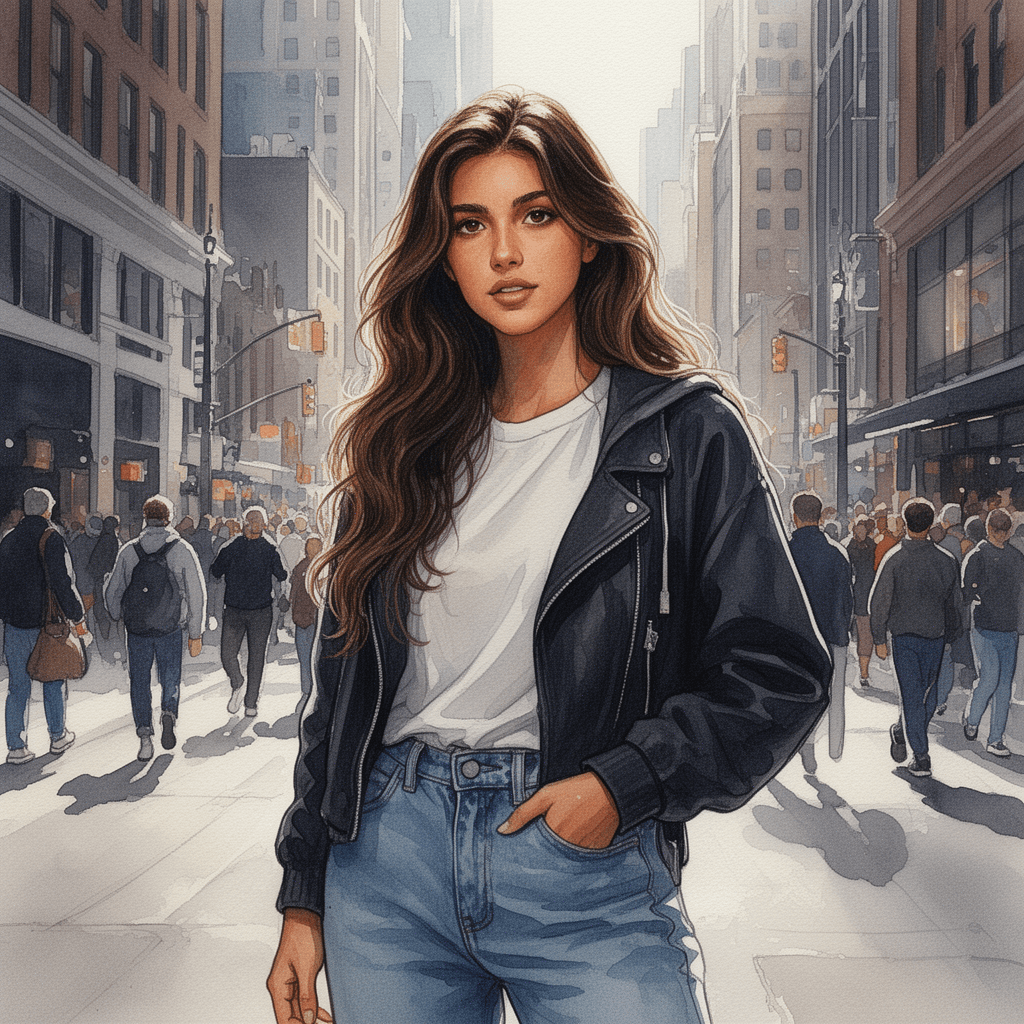
Build consistent characters without rewriting prompts.

Select traits, lock them, and generate structured prompts you can reuse.

No login required for Explorer


How It Works

1. Define your character

Choose identity, traits, and visual style.

2. Lock what matters

Fix key attributes so they stay consistent.

3. Generate prompt

Use it across tools without rewriting.


CERS Character Engine — Explorer v1.8

CERS Character Engine

Explorer - Guided Character Creation

Build your character using the structure below. The system provides the framework - your choices bring it to life.

There is no limit to what you can create, as long as the structure is followed.

Character

Character Traits

These define how the character behaves and is captured.

Scene & Style

(Generate → refine → lock → copy)

Prompt Workspace

Your work stays in your browser. Nothing is stored or sent anywhere.

(Available in Creator version)

The structure defines the scene. Your choices define the character.

Lock finalises your character. Save carries it into Creator.


PB’s Creative Studio 

Practical systems, creative work, and digital tools. 


BUSINESS SYSTEMS: 

AI Tools Workflow Audit 

Client Enquiry System 

AI Revenue Tier Framework 

Website Design 


CREATIVE STUDIO: 

Personalised Artwork 

Photo Restoration 

Children’s Creativity 


TOOLS: 

PBS Watermark Studio Ultimate 

Clipart Style Guide AI Prompts Toolkit 


STUDIO: 

About 

Blog 


© 2025-2026 PB's Creative Studio. All rights reserved                                                                                                                                                                                                                                        Terms & Conditions | Privacy Policy | Disclaimer